
 English

|
Advertisement / Annons: |
Tutorial:
|
Content:
Note: |
6, Adjust the flat calibration with a fake biasSometimes when doing flat calibrating it can over compensate or under compensate the vignetting. If it's only a minor difference there is a chance that it can be corrected by a faked bias constant. The bias of my Canon 6D camera is = 2048 ADU. I used bias to replace the MasterDark and can then fine tuning these constant. If MasterDark is used a small Bias constant, pos or neg, can be added to do the same fine tuning. With an extra bias the level of the image will be different and the flat calibration will do a wrong calibration. But with only a small extra bias added / subtracked it can be used to fine tune the flat calibration. Bias set to = 2048: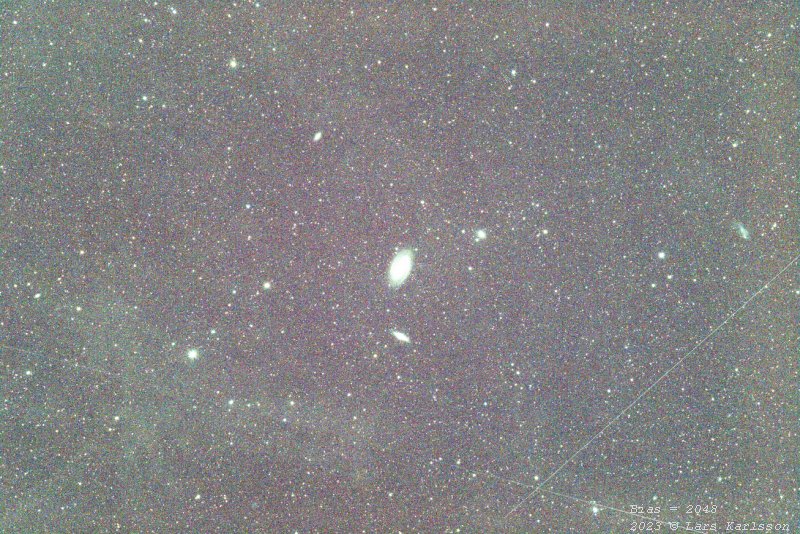
With the standard value of bias set to = 2048 it looks like this. It's a little too bright at the edges. Bias set to = 2058: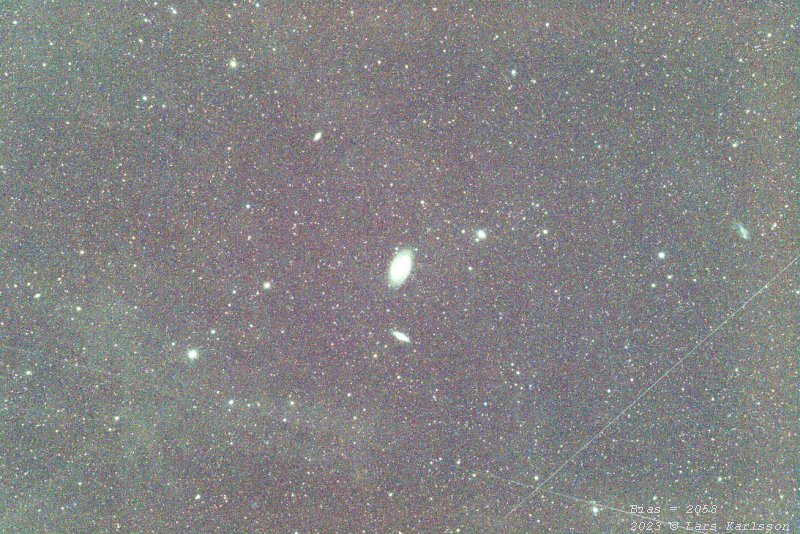
With increased Bias the center get brighter and the edges darker. Her the Bias is increased by 10 units. The center got a little bit brighter, a very small correction. If a normal MasterDark hade been use I had set the Bias = 10 to give the same effect. Every camera will be different so trail and error method can be used. Bias set to = 2100: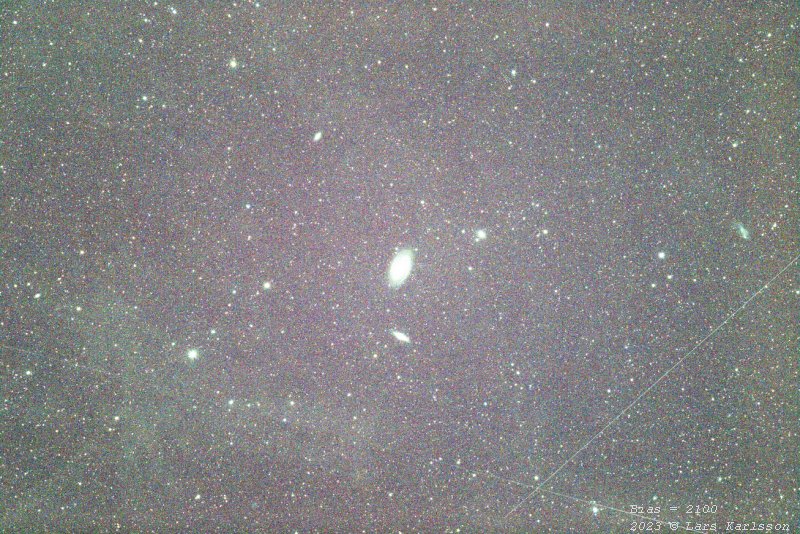
I increased the Bias even more, now Bias set to = 2100. Now the center get more push to the brighter. It works, but in my case the flat correction problem is something else. In Siril's tutorial this is called a synthetic biases and can be found here: Synthetic biases.
|
|